
Markdown Support
Markdown support
Section titled “Markdown support”You can specify markdown in your message text to modify the presentation.
Supported markdown follows GitHub style formatting. Tables, indents, code blocks etc are supported
Newlines
Section titled “Newlines”In Markdown due to the definition of how paragraphs and line breaks are handled, a single \n is not sufficient to create a new line. You should end a line with two spaces, and then a \n or you can trigger a new paragraph with a double \n\n
You can also use the <br> tag to denote a newline which will get interpreted as \n ([space][space]\n)
Colour Extensions
Section titled “Colour Extensions”swiftDialog 3+ includes extensions for supporting colour inline. The syntax is:
colour:[Text here]For example if you wanted green text you could use green:[My green text here]
HEX values are also supported, e.g. :a62991[Colourful Text]
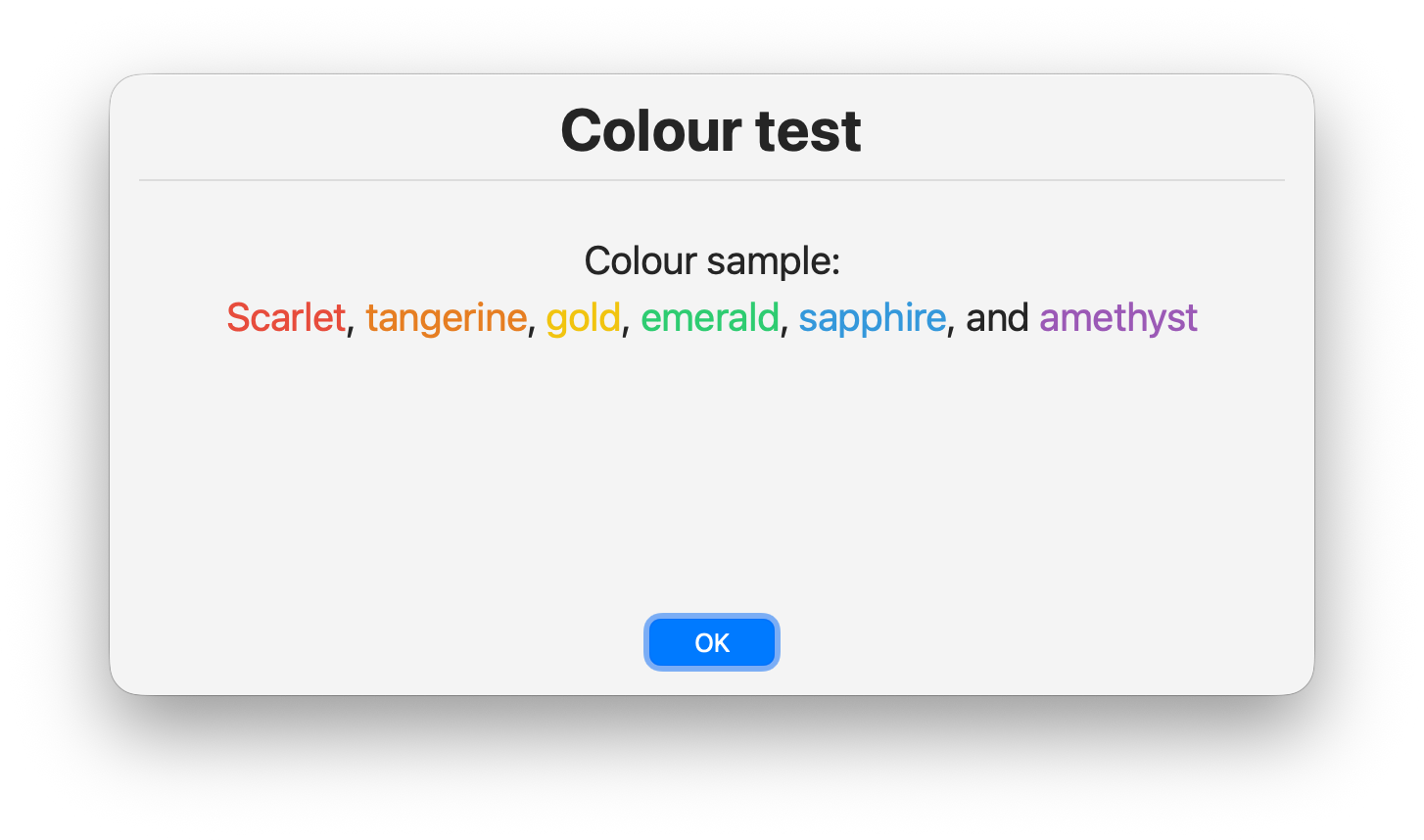
You can combine multiple colours e.g. --message ":e74c3c[scarlet], :e67e22[tangerine], :f1c40f[gold], :2ecc71[emerald], :3498db[sapphire], and :9b59b6[amethyst]"
Examples:
Section titled “Examples:”dialog --message "Line 1 \nLine2 \nLine 3\n\nParagraph 2"
dialog --message "Line 1<br>Line2<br>Line 3<br><br>Paragraph 2"
dialog --message "Text can include **bold** and _italics_
dialog --message "### Heading 3"
dialog --message " * point 1\n * point 2\n * point 3"
dialog --message "[A link that will open in the default browser](https://some.link.com/)"
dialog --message "\"
Caution - When using inline images, you must escape the leading ! as \! otherwise your shell may interpret it as a command.